
OS Virtualization

The host runs a single OS kernel and exports different OS for every visitors.
OS V Pros and Cons:-
Pros:
-Flexible provisioning
-Rapid Software development
-Easy implanting
Cons:
-No work offline capacity
-High speed LAN
-Limited number of OS operated
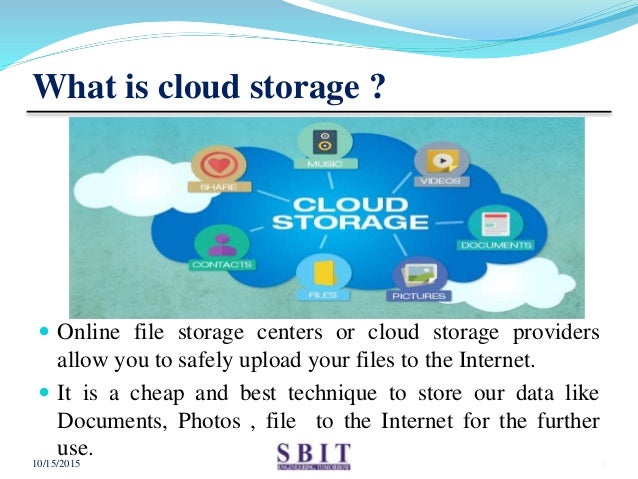
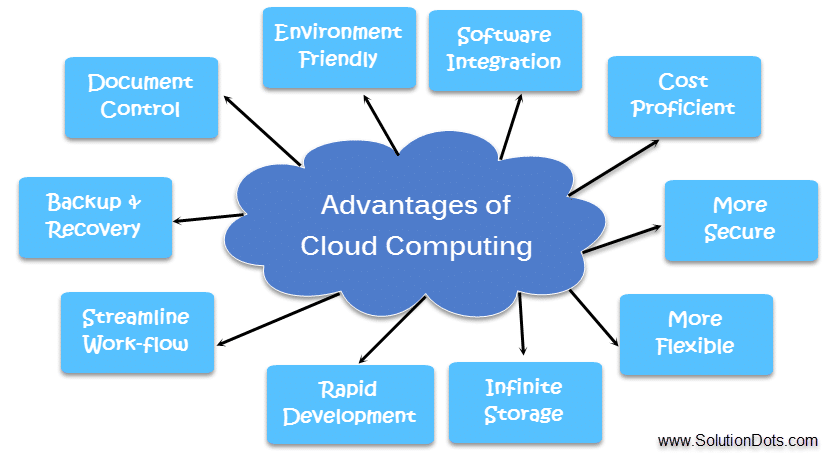
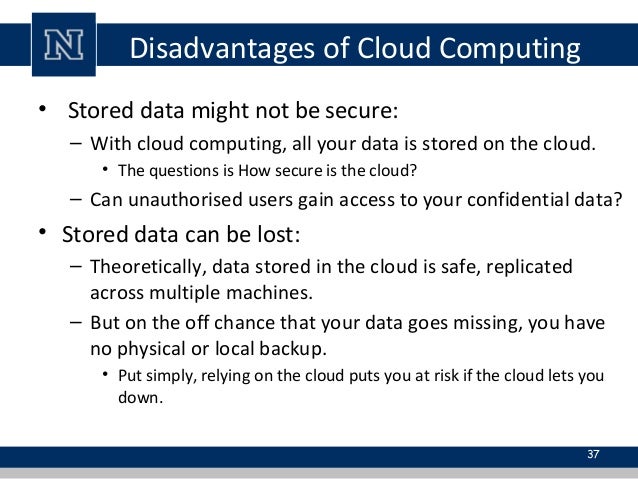
Enterprise storage is a centralized repository for business information that provides common data management and protection, as well as data sharing functions, through connections to numerous (and possibly dissimilar) computer systems. Other important aspects of the enterprise storage system are unlimited connectivity and support for all the different platforms in operation.
Enterprise data storage :-
- Direct Attached storage
- Storage area network
- Network attached storageEnterprise data storage
- Direct Attached storage
- Storage area network
- Network attached storage
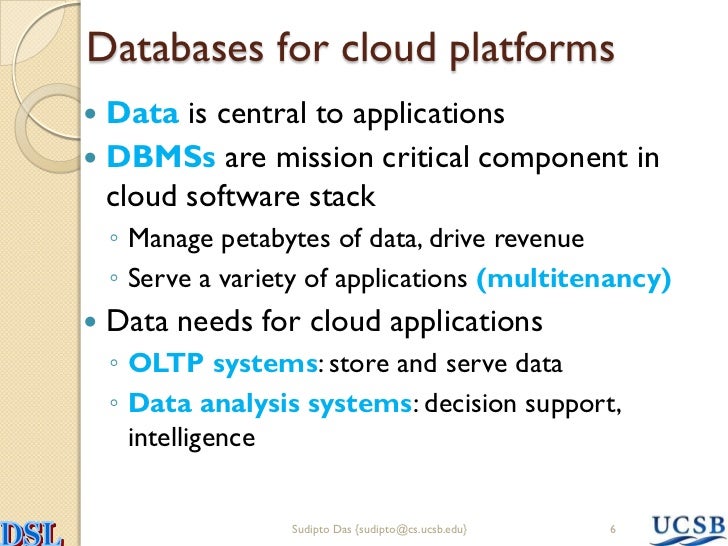
SAN:-
-Software-defined storage (SDS) is a computer program that manages data storage resources and functionality and has no dependencies on the underlying physical storage hardware.
-For large organizations with many servers, SAN offers better performance and flexibility. Software- defined storage (SDS) hardware may or may not also have abstraction, pooling, or automation software of its own.
NAS:-
-Network-attached storage (NAS) is dedicated file storage that enables multiple users and heterogeneous client devices to retrieve data from centralized disk capacity.
-Users on a local area network (LAN) access the shared storage via a standard Ethernet connection. Network attached storage (NAS) is a dedicated server, also referred to as an appliance, used for file storage and sharing. NAS is a hard drive attached to a network, used for storage and accessed through an assigned network address.
Data Storage Management :-
- Storage is a resource, and it must be allocated and managed as a resource in order to truly benefit a corporation.
- Successful data storage management strategies leverage a suite of tools to configure, provision, archive and report storage activities, according to a defined set of management policies or processes.

Data Storage Management Tools :-
- Configuration tools
Configuration tools handle the set-up of storage resources.
- These tools might help organize and manage RAID groups by assigning groups, defining or changing levels, or assigning spare drives.
- Configuration can also define higher-level activities, such as array failover options.
- Provisioning tools
- Provisioning tools define and control access to storage resources -- preventing a network user from being able to see and use any storage.
- For example, some amount of data center storage may be provisioned for an Oracle database that might only be accessible to a purchasing department.
- Measurable tools
- Measurement tools are performance analysis utilities that reveal behavioral information about a storage subsystem.
- For example, high-level reports for administrators might outline current storage utilization and provide a graph of total utilization versus capacity over time.
Storage management processes:-
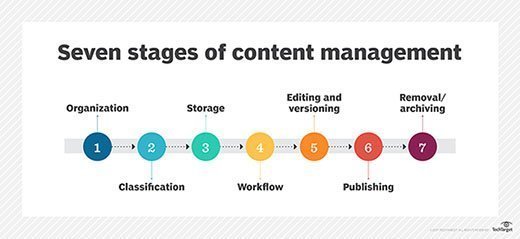
- Even the best data storage management tools rely on rules that govern your data storage processes and procedures.
- No software can decide which data to migrate or where to move that data -- those decisions are based on your own business needs.
- Storage management encompasses three areas: change management; performance and capacity planning; and (tiered storage).
Change management is the process used to request, schedule, implement and evaluate adjustments to the storage infrastructure.
For example, a new research project may require some amount of storage to be allocated in the data center.
Storage infrastructures are always growing, but growth must be managed to ensure that storage is available when needed.
1. Performance and capacity planning processes define the means used to measure storage system performance (often to verify storage service level agreements) and examine
2. utilization trends. The result of performance and utilization analysis is then used to make prudent decisions about subsequent storage purchases.Data
Storage Challenges
• Massive Data Demand:
• Performance Barrier:
• Power Consumption and Cost:
File Systems:-
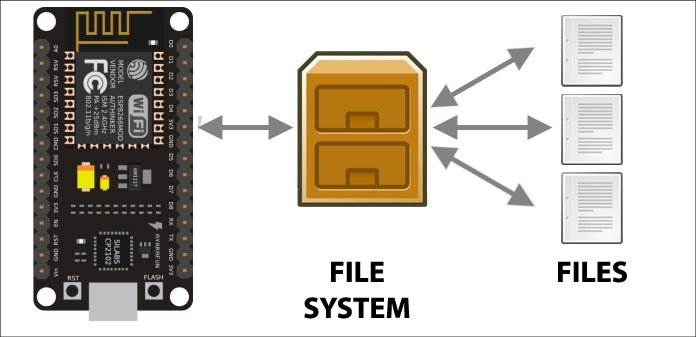
- A file system is the methods and data structures that an operating system uses to keep track of files on a disk or partition; that is, the way the files are organized on the disk.
- The word is also used to refer to a partition or disk that is used to store the files or the type of the file system.
FAT, NTFS and Cloud Storage
- The FAT file system has the file allocation table located at the beginning of a logical volume.
- FAT was designed for small disks and simple folder structures.
- Two copies of the file allocation table are stored on the volume. In the event that one copy of the file allocation table is corrupted, the other file allocation table is used.
- NTFS (NT file system; sometimes New Technology File System) is the file system that the Windows NT operating system uses for storing and retrieving files on a hard disk.
- NTFS is the Windows NT equivalent of the Windows 95 file allocation table (FAT) and the OS/2 High Performance File System ( HPFS).
- However, NTFS offers a number of improvements over FAT and HPFS in terms of performance, extendibility, and security.
Support for FAT32 is new in Windows 2000. FAT16 supports volumes up to 4 GB, whereas theoretically FAT32 can manage volumes up to 2 terabytes. The FAT32 on-disk format and features on
Windows 2000 are similar to those on Windows 95 OSR2 and Windows 98.
The size of a FAT32 cluster can range in size from 1 sector (512 bytes) to 64 sectors (32 KB), incremented in powers of 2

0 Comments